


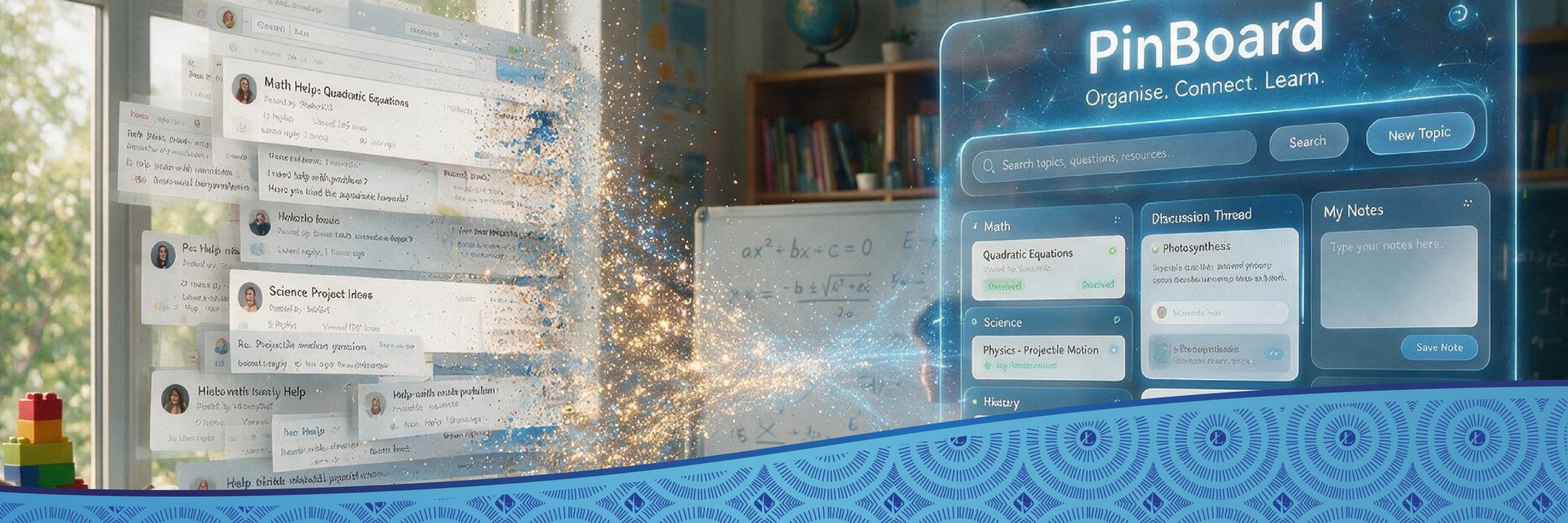
Trial by Fire: What Happened When 800 Teachers Met Our PinBoard Plugin

Our July blogs built the argument: placing content on a platform does not mean learning will happen. We need to add interaction to create opportunities for active learning.
Last week, we introduced a new tool, Limina’s PinBoard plugin, to create peer-to-peer interaction in Moodle courses. Here’s the story of what happened when we put PinBoard in front of real teachers doing the SAMF Maths Problem Solving Courses on our LMS.
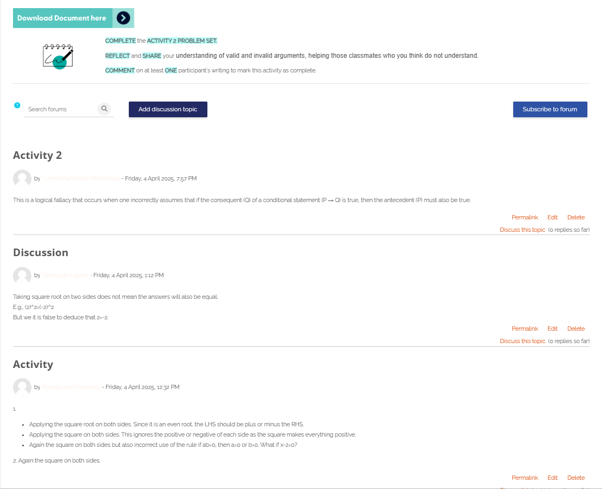
Before PinBoard, we used Moodle’s Forum activity, like most Moodlers do. Forums work in the narrow sense that when new posts are added, every contribution drops into one long vertical scroll, newest on top, older thinking buried below. Replies to the posts become clunky and hard to find for students, and the forum ends up reading less like a conversation and more like an endless scrolling exercise.
On our SAMF Maths Problem Solving (MPS) courses, teachers found forums hard to navigate and even harder to enjoy. As a result, we realised that the tech was working against the very thing we wanted it to enable.
This year, we replaced those forums with PinBoards in all our Maths Problem Solving courses.
Around 800 high-school teachers across the Level 1 and Level 2 MPS courses started adding Pins to the various PinBoards scattered through the units in their courses. Across the course, the course developers had added PinBoards to ask key questions or pose difficult problems to solve. Teachers used a wide range of devices and added their Pins in the form of photos, comments or explanations.
The end result: PinBoard held up beautifully! We saw a marked increase in responses compared to the forums from previous years. Most notably, teachers started responding to each other’s posts, meaning our peer-learning setup was starting to work!
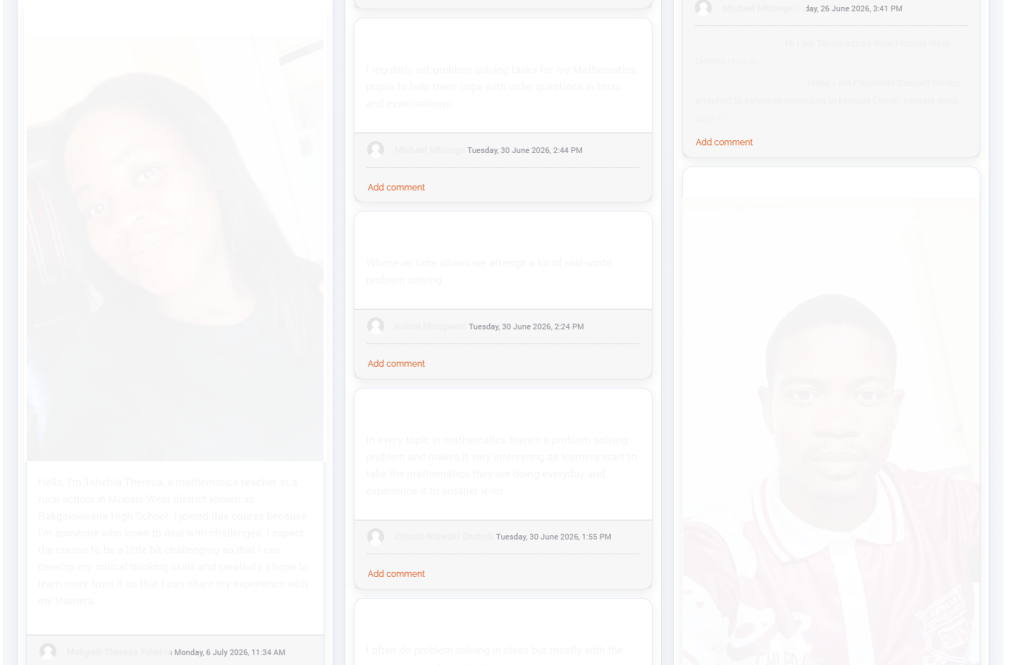
The first board a teacher meets is onboarding: introduce yourself, share a habit. Low-stakes, but it lets a teacher logging in alone at night see that real people are here too. We don’t just build social presence, but teachers learn to use the tool in a stress-free space.
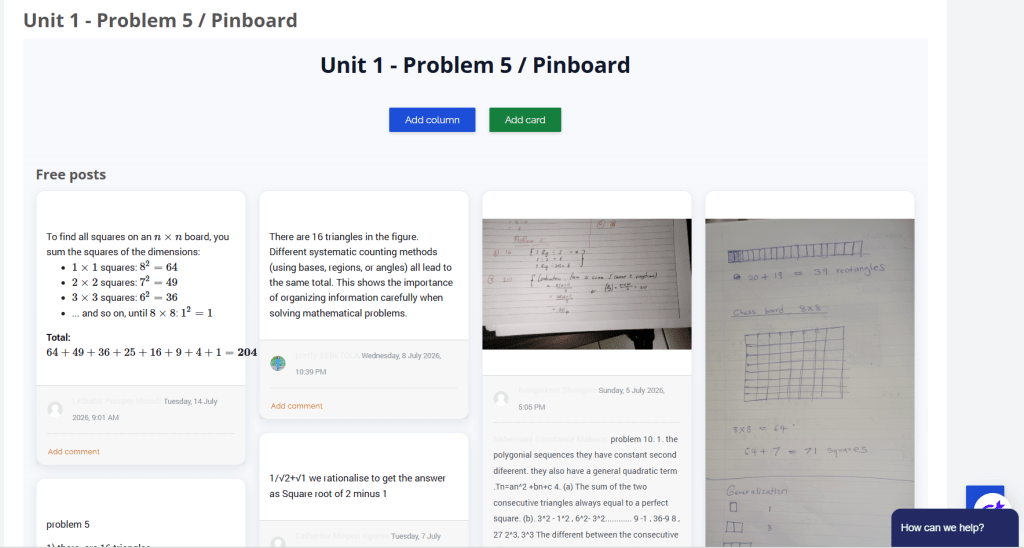
Then the real work starts. Every unit has its own boards where teachers post how they solved a problem. One lays out the full working for counting squares on a chessboard; another pins a photo of their handwritten page; a third explains their generalisation in a sentence. Different routes to the same problem, side by side, where everyone can compare them, something a forum can hold but can’t display.
The PinBoards in the various units of the Maths Problem Solving Courses have slowly started seeing more peer learning in action: a teacher posts on induction and deduction, and others reply underneath; or one adds a caution when solving a problem and another builds on the point. It shows that PinBoards create the structure to support peer learning, and teachers are responding positively to this!
PinBoard records all activity, meaning facilitators can see exactly who has engaged, respond to an individual or a whole thread, and grade contributions straight into the Moodle gradebook. As a result, peer learning stops being something you hope is happening in the course, and becomes something you can see, support and assess.
More so, facilitators can interact with students on the PinBoards, leave comments or ask further probing questions. They can also comment in individual threads and speak directly and/or privately to students as they respond, and students can reply to them.
Learner-to-learner and learner-to-facilitator all in one tool. We call that Learning²!
1 – How have you found using the Pinboards?
“PinBoards have been sort of helping alot because I got the opportunity to learn from other educators on how they solved problems. I have learnt that there are many ways on how to deal with problem situations”
2 – Do you find them easier or more engaging than traditional forums?
“It was easier since I have received different motivating views from colleagues and I also have shared my thoughts from their problem solving skills”
3 – Is there anything you think we could improve, add, or change to make them even better?
“I think you are doing perfectly well. It just that an hour for our meets is not enough”
After its first trial by fire, PinBoard is doing what we built it to do, and we’re super happy with its successes! It’s a clear step up from the Forums that it replaced, and most importantly, landed very well with our teachers.
If you’d like to see PinBoard working on your Moodle LMS, or want us to build something your courses need, book a free consultation:
Subscribe to the Limina newsletter and receive a free copy of Terry Anderson’s Three Types of Interaction Model —a practical framework for designing more engaging and effective Moodle learning experiences.
Join our newsletter and download your complimentary guide today.
(Once you submit, it takes 10-15 min for the model to arrive in your inbox!)
Isabel Tarling is a learning sciences scholar, programme designer and education researcher, with a PhD from the University of Cape Town. Her research in online and technology-supported learning forms the foundation for much of her writing. She aims to build easy-to-understand bridges between evidence-based research and its everyday application in real-world contexts. Isabel is the founder of Limina, where these ideas are put to work to reimagine learning for organisations of all shapes and sizes.